The Google Ads Setting Most Pattaya Businesses Get Wrong
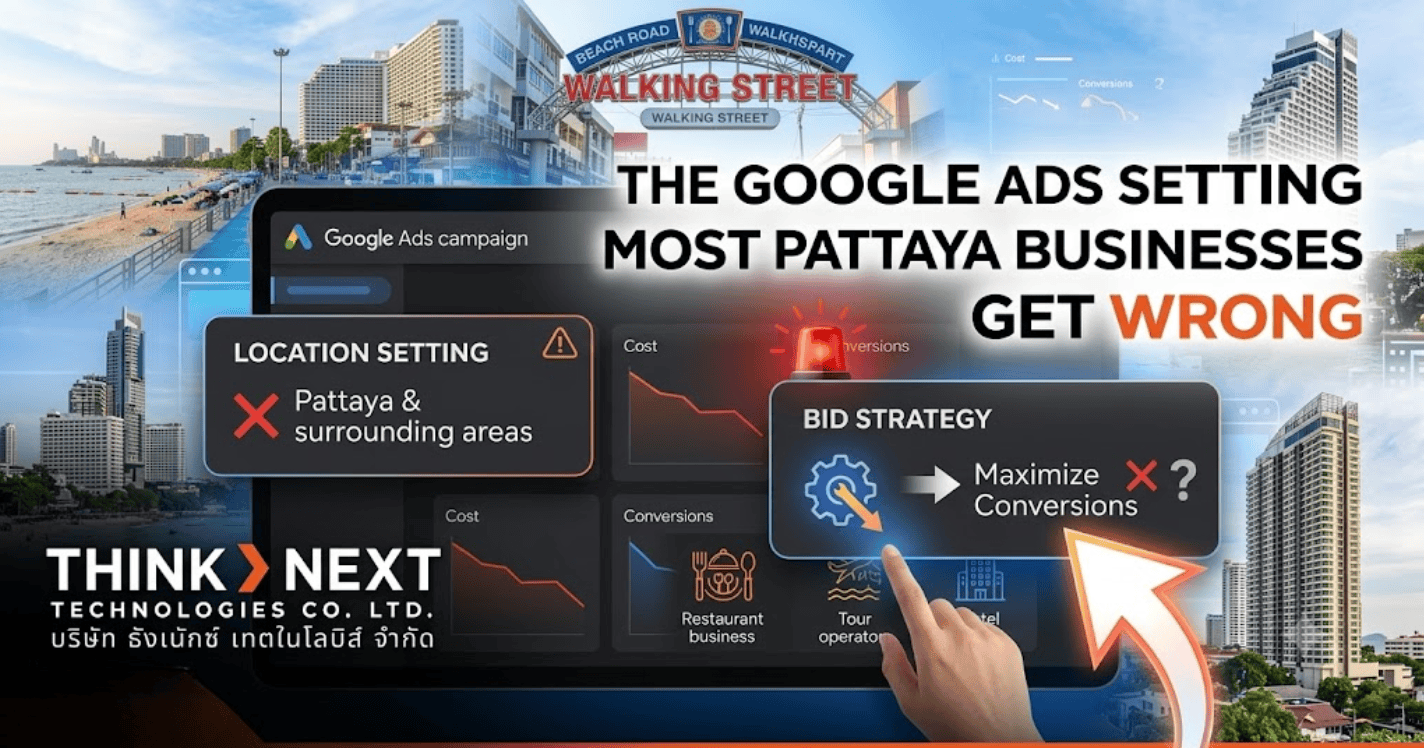
One default Google Ads setting quietly wastes budget by showing ads outside your area. Here's how to fix it and improve Google Ads optimization in Pattaya.
Most Google Ads accounts have one setting left on default that quietly shows ads to people who aren’t actually in Pattaya at all, just people searching about the area from somewhere else. Fixing this single setting is one of the fastest ways to stop wasting budget on Google Ads optimization in Pattaya.
The Setting Nobody Checks
When someone sets up a Google Ads campaign, location targeting feels simple. You type in Pattaya, save it, and move on. Most people assume that means their ads only show to people who are actually in Pattaya. That assumption is usually wrong.
By default, Google Ads doesn’t just show your ad to people physically in your target area. It also shows your ad to people who are simply searching about that area, no matter where they actually are. Someone browsing Pattaya hotels from another country entirely can end up seeing, and clicking, your ad.
Why This Setting Matters So Much for a Local Business
For a hotel, restaurant, or service business in Pattaya, this setting is the difference between reaching a real customer and reaching someone who was never going to book, visit, or call. A tourist already in Pattaya searching for a place to eat is a real lead. Someone on the other side of the world casually researching Thailand is not, at least not right now.
When location targeting is left this broad, budget gets spent showing ads to people with no real intent to act soon. The clicks still count against the budget, but the bookings never follow.
What Happens When It’s Left on Default
The campaign still looks like it’s working. Clicks come in, impressions look healthy, and the reports seem fine at a glance. What’s harder to see is how many of those clicks came from people who were never realistic customers in the first place.
Over time, this quietly pulls budget away from the people who actually matter, the ones already nearby, already searching, and already close to making a decision. A campaign can look busy and still underperform because of exactly this.
How to Tell If This Is Already Happening to You
If your campaign gets steady clicks but bookings or enquiries feel disconnected from that traffic, this setting is one of the first things worth checking. It’s a quiet problem, since nothing about the campaign looks broken on the surface. The only way to catch it is by actually reviewing who the ads are reaching, not just how many people are clicking.
This is closely tied to how well your local search presence is already set up, since both paid and organic visibility should be reaching the same real, local audience, not two different ones.
Other Settings Worth a Second Look
Location targeting is the biggest one, but it’s rarely the only setting quietly working against a campaign. Broad keyword matching can pull in searches only loosely related to what you actually offer. Ad scheduling left switched off means spend continues even during hours that rarely lead to real enquiries. None of these show up as an obvious error. They just slowly drain budget in the background, which is exactly why ongoing Google Ads campaign management matters more than a one-time setup.
How ThinkNext Technologies Sets Up Google Ads Campaigns in Pattaya
ThinkNext builds Google Ads campaigns for hotels, restaurants, and SMEs across Pattaya and Chonburi with location targeting set correctly from day one, not left on default. As a PPC agency in Thailand working closely with local businesses, we review campaigns regularly to catch exactly this kind of quiet budget leak before it adds up. ThinkNext Technologies treats campaign setup as something to get right at the start, not something to fix later once the budget has already gone to the wrong audience.
Want Your Google Ads Set Up Properly? Let’s Check
If you’re not sure your Google Ads campaign is reaching the right people, ThinkNext can take a proper look. Talk to our team and we’ll walk through exactly who your ads are actually reaching.
Frequently Asked Questions
How do I know if my ads are reaching people outside my actual area?
Check your campaign’s location targeting setting directly, or ask whoever manages your account to confirm it’s set to people actually present in your target area.
Does this affect all types of Google Ads campaigns?
It mainly affects campaigns built around a specific location, which covers most local hotel, restaurant, and service business campaigns.
Is this an easy fix?
Yes. It’s usually a single setting change, though it’s worth reviewing the rest of the campaign at the same time while you’re in there.
Could this be why my campaign feels like it’s underperforming?
It’s one of the most common reasons, especially if clicks look steady but real enquiries don’t match up.